
Room images are made available only after the room code is successfully matched with the corresponding room code received from you, when you send this in our room mapping API.
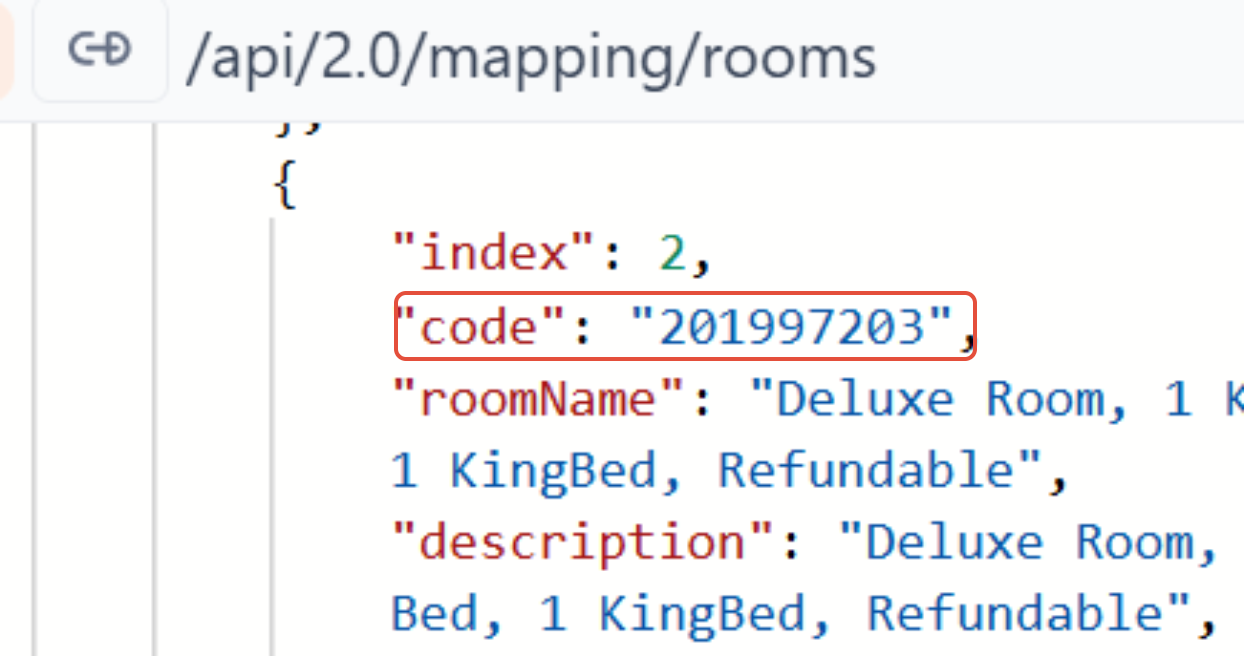
This process works only when the supplier has a direct (master) partnership with us. Once the room codes align, the system automatically pulls the image linked to that specific room from the master supplier’s data.
Please note:
- There may be cases where the room code is not matched, due to dynamic room codes from the suppliers
- Some suppliers do not provide room-level images at all.
- In both scenarios, room images will not be displayed.
- Images are fetched strictly at a room-code level, not at a hotel level.
- How provider content configuration affects room images?
"providerContentType"
This parameter controls from which provider the room content ( images) is picked.
PreferredProvider
Room content and images are fetched only from the specified preferred provider.
It's important to note - that provider’s rooms are added in the room-mapping cURL, othewiese no room images will be returned.Merged
This parameter is useful when you want to pick room images from wherever they are available, ensuring you do not miss out on images due to provider limitationsWhen
providerContentTypeis set toMerged.Room content is merged from all providers added in the room-mapping cURL. This option is recommended when image availability is a priority and you want maximum coverage across providers.
For more infromation please refer to the room mapping documentation