1. Log in to your client portal.
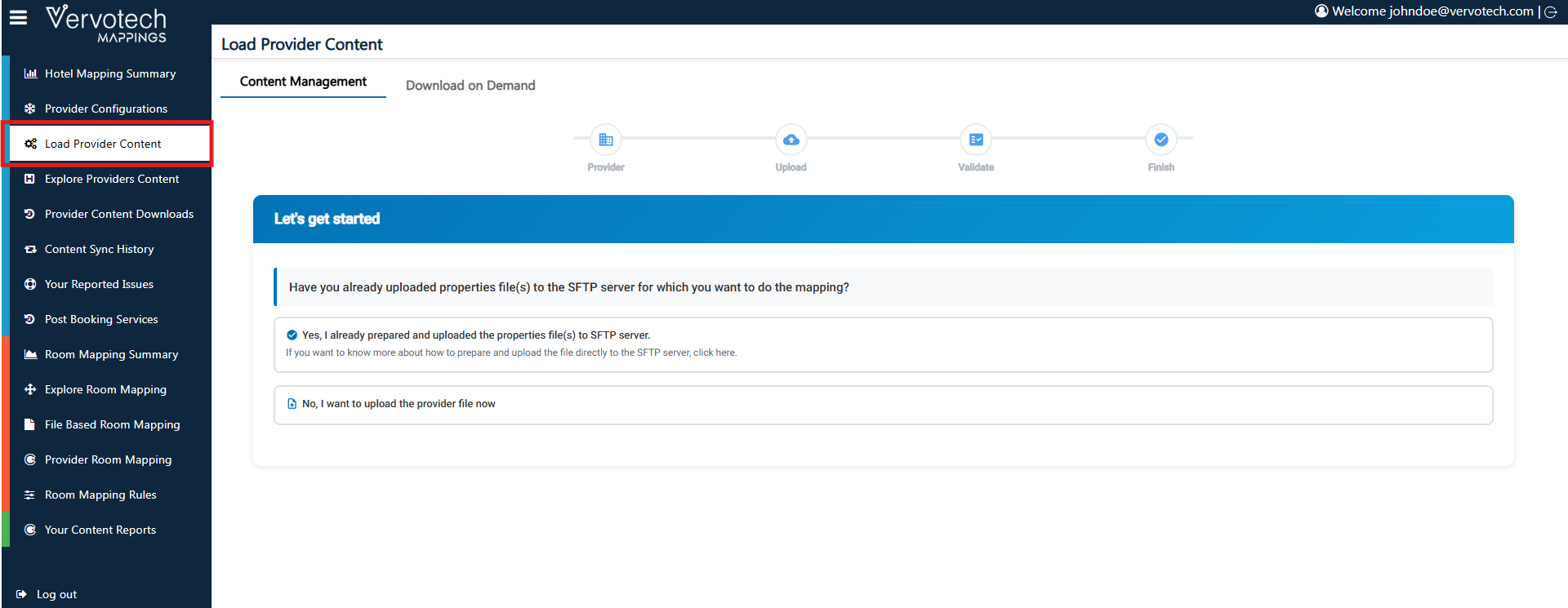
2. Navigate to the “Load Provider Content” tab.
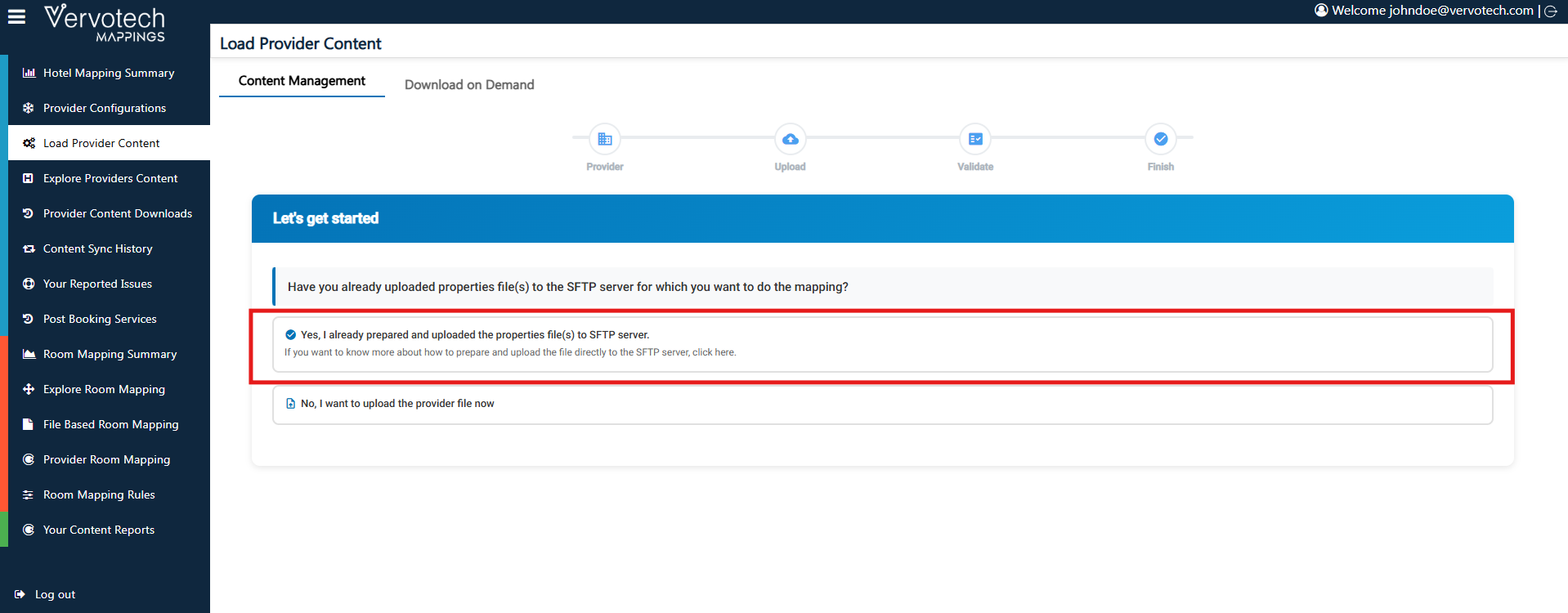
3. Click on the option “Yes, I have already prepared and uploaded the properties file(s) to the SFTP server.”
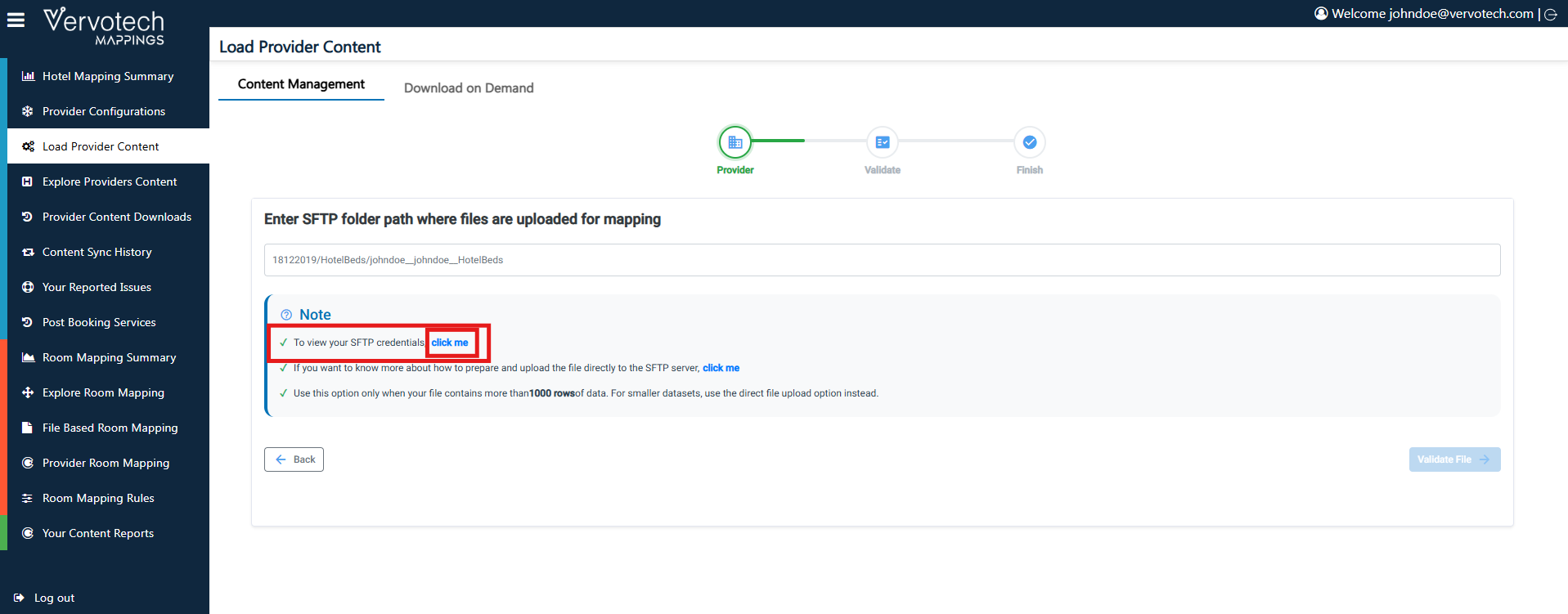
Once done, under the “Note” section, you will see an option called “To view your SFTP credentials.” In front of it, click on “Click Me.” After clicking, your SFTP credentials will be displayed, which you can use to log in to your FTP server.